
Many eCommerce brands launch a Shopify store with strong products but struggle to gain consistent organic traffic. You might invest in ads, run social campaigns, and still see limited visibility in search results.
We have seen this situation many times while auditing stores for growing brands. The problem usually comes down to poor search optimization and a missing process. That is where a clear checklist becomes powerful.
When you apply SEO for Shopify with the right structure, your store becomes easier for search engines to crawl, understand, and rank. This blog explains the exact steps used by experienced marketers to convert Shopify stores into strong organic traffic engines.
Master Shopify SEO with a comprehensive checklist including site architecture, crawlability, schema, internal linking, and product optimization to scale organic growth and outperform competitors.
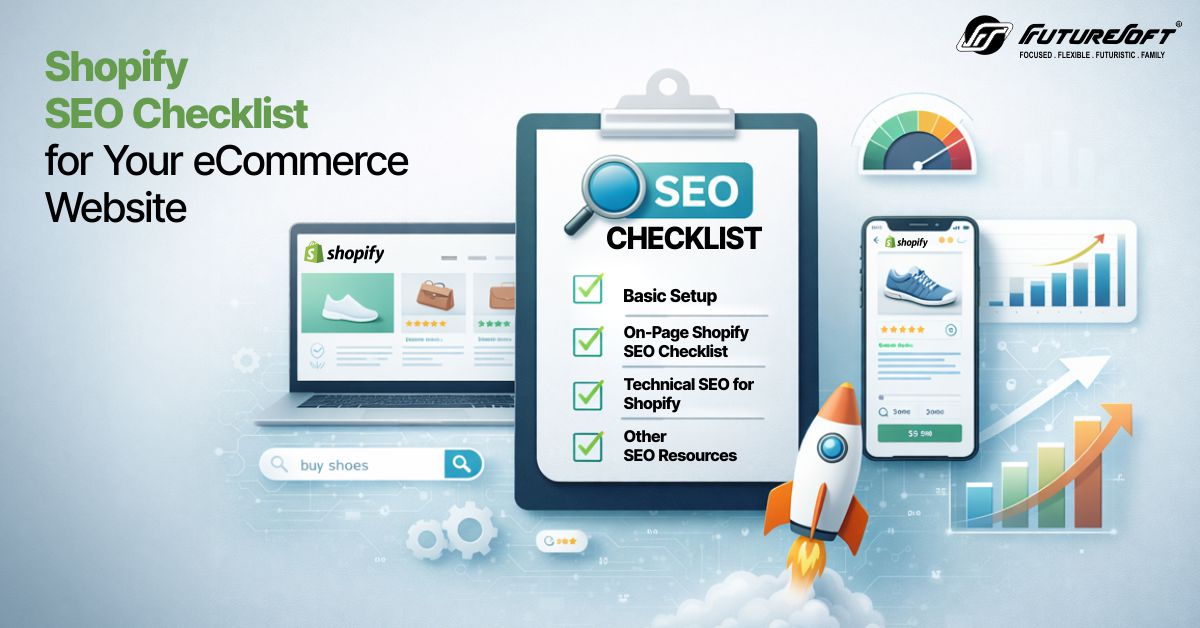
Whenever a user wants to know or find anything, they use a search. According to Bright Edge Research, 68% of the world’s traceable search traffic comes from Google. This highlights how important it is to get ranked on Google Search for better visibility and conversion.
And to get this, what’s better than Search Engine optimization? From Basic SEO setup to on-page and technical SEO. Every component helps in improving your visibility across the search. But how to optimize SEO, what factors do you need to consider, and what tools do you need?
This is what the blog is about: giving you an exact idea about the Shopify eCommerce SEO checklist that will help improve your search visibility. So, stay tuned and find out how this Shopify SEO guide will help you know where you are lacking.
The SEO for Shopify depends on various factors, like basic, on-page, and technical. Apart from this, Off-page and some other resources also help improve visibility. Let’s discuss them in order.
Below is the basic setup; you need to perform on your Shopify website to rank on Google search.
The Shopify analytics dashboard is quite good, but with Google Analytics (GA), you can measure core KPIs such as the amount of traffic and revenue that comes from organic, paid, and other media.
Know how to automate your eCommerce website.
It also provides a wide range of data, including traffic sources, engagement metrics, user devices, user demographics, session time, bounce rate, and more. You can connect your Google Analytics account to Shopify by navigating to: Online Store > Preferences > Google Analytics, and then adding your Google Analytics account ID.
Once the analytics account is set up, you can track your website’s performance and make updates accordingly for better results.
Like Google Analytics, Google Search Console (GSC) helps you monitor site indexing, organic traffic, search performance, keyword rankings, and identify issues that may affect your site’s visibility.
For setup, use your Google Analytics credentials to log in, and it will automatically verify your account. Once ready, you can analyze page-level data and Core Web Vitals performance.
The next step in your Shopify eCommerce SEO checklist is submitting your sitemap.xml file. A sitemap helps search engines understand your site structure. Every Shopify website automatically generates a sitemap that lists all pages.
Submit the sitemap.xml file in Search Console by navigating to: Index > Sitemaps > Add a new sitemap. Ensure the URL ends with "sitemap.xml".
There are two phases: the first is performing keyword research, and the second is tracking keywords.
To perform keyword research, you need to understand your site’s core keywords. Without this, you won’t know which terms to focus on for optimizing your website. Focus on keywords that have the highest potential to drive revenue for your Shopify store.
Methods for keyword research:
It is recommended to list around 100–300 high-priority keywords for an average store. Larger stores may require a much broader keyword list.
For keyword tracking, Google Analytics and Search Console provide data related to traffic and clicks. However, they do not offer detailed insights into how your keywords rank over time.
Once you identify your target keywords, you can use tools like Ahrefs, SEMrush, or Moz to track them. Keyword tracking helps you understand:
For on-page optimization of your Shopify eCommerce SEO checklist, follow these steps:
To quickly improve your Shopify website SEO, simply go through your store’s title tags and make sure they are optimized. Start by focusing on key pages first, and review your collection and product pages immediately.
These are the pages that are closely tied to your site’s revenue, so they are the most important to start with. While optimizing your title tags, you will want to make sure they are using the target keywords for that particular page directly in the title tag.
SEO for Shopify requires you to have a good URL structure. While Shopify has some limitations related to how URLs are structured, we recommend that you ensure that the new paths you can create are well-optimized.
Learn the difference between Headless Commerce on Magento and Shopify.
A well-optimized URL is generally:
An example of how a URL for a collection of “blue formal pants” would be:
The shorter and clearer the URL, the easier it will be to read while still using your primary keywords. However, the way Shopify prompts you to create collection pages does result in more optimized URLs.
The next step in the Shopify eCommerce SEO checklist is internal linking. It allows your Shopify website pages to connect with one another, which is a great way to improve website visibility. Internal linking helps Google discover deeper content within your site architecture more easily.
Additionally, it helps distribute authority better and improves overall user experience. Blogs are one of the best places to implement internal linking. You can start by identifying blog posts that reference key collections or products in your store and adding internal links to them.
Understand the difference between Magento vs Shopify for B2B.
Besides, there are multiple ways to find internal linking opportunities, like:
The next step of SEO for Shopify is reviewing your site’s navigation and identifying opportunities to improve it. Site navigation is the primary way that both Google and users move through your website.
While reviewing your site navigation, ask yourself:
To ensure your website is technically sound, make sure to follow these steps:
One important step is performing a crawl of your Shopify website. This helps you understand how Google and other search engines navigate your site and allows you to identify high-priority issues.
Discover the best Shopify themes for sport brands.
While performing your website crawl, look for:
Cleaning up these issues will improve Google’s efficiency in crawling and indexing your website. Based on the crawl results, you can prioritize technical SEO improvements as part of your Shopify eCommerce SEO checklist.
The next step in technical SEO for Shopify is to check your website’s robots.txt file. By default, the robots.txt file is available at “domain.com/robots.txt” (for example, abc.com/robots.txt). This file contains directives that tell Google what it can and cannot crawl.
By default, internal search pages and the checkout cart are blocked in this file.
Shopify’s default robots.txt settings are generally sufficient to keep search engines away from problematic areas. However, if your Shopify store has undergone extensive customization, you may need to add additional rules.
Another important step in the Shopify eCommerce SEO checklist is to review your website’s sitemap.xml file to ensure everything is functioning correctly. This file helps Google and other search engines understand your site’s key pages.
Learn the difference between Advanced Shopify and Shopify Plus.
Shopify automatically generates a sitemap.xml index file, which includes child sitemaps such as:
You can review these files or convert them into lists to identify pages returning 40x or 30x status codes. Typically, Shopify’s sitemap.xml is well-structured and does not require major changes. However, you may occasionally find low-quality pages that should be excluded from the sitemap.
One of the biggest technical SEO issues is duplicate content. In many Shopify stores, collection pages link to duplicate product pages by default. When product URLs include both /collections/ and /products/, they can create duplicate versions of the same page.
For example:
As shown above, the product URL generated through the collection includes the /collections/ path, while the canonical tag points to the clean product URL. Because of this, every product displayed on collection pages can act as a duplicate of its primary ranking page.
Find out the best Shopify development companies in India.
The simplest way to prevent duplicate content issues is to adjust how product links are
generated in your theme. This fix usually involves editing the
product-grid-item.liquid file, although the exact file name may vary
depending on your theme.
Steps to Update Product URLs:
product-grid-item.liquid.You will usually see something like:
<a href="{{ product.url | within: current_collection }}" class="product-grid-item">Replace it with:
<a href="{{ product.url }}" class="product-grid-item">Another important aspect of technical SEO for Shopify is implementing structured data. This is a type of code added to your site to provide search engines with more context about your content, reducing the need for interpretation.
You should review how structured data appears across different page types in Shopify and validate it using a Schema Markup validator.
Understand how to design an effective buyer journey.
An ideal structured data mapping includes:
All these pages should contain at least one relevant type of structured data markup. This ensures that key properties (such as “aggregateRating” in the Product schema) are correctly implemented and visible to search engines.
To improve the speed of your Shopify website, check whether images on collection pages are using lazy loading. This means images load only when users scroll to them within the viewport.
Lazy loading enhances page performance and ensures that users only load resources they are actively interacting with.
As part of your Shopify eCommerce SEO checklist, verify whether your content depends on JavaScript for rendering for both users and search engines. If elements rely on client-side JavaScript, it is important to audit how Google indexes that content.
In some cases, content may be under-indexed if Google cannot fully render the JavaScript on your site.
Learn everything about custom web development.
Search Console provides a detailed index coverage report.
This report highlights:
Resolving these issues strengthens the overall Shopify SEO checklist execution. This is also another stage where SEO for Shopify can achieve measurable ranking improvements.
A complete Shopify eCommerce SEO checklist goes beyond on-page optimization and technical audits. Modern Shopify SEO also depends on performance optimization, structured data implementation, and specialized SEO tools that help monitor search visibility.
These additional resources strengthen SEO for Shopify by improving crawl efficiency, page experience signals, and search result presentation. The following resources act as support layers for the entire eCommerce SEO checklist and help maintain long-term organic growth.
Study the role of AI in eCommerce and how it enhances visual search.
Page speed is one of the most important ranking signals in modern search algorithms. Search engines evaluate performance through Core Web Vitals, which measure loading speed, interactivity, and visual stability.
In many Shopify stores, slow performance occurs due to large image files, heavy themes, and multiple third-party apps.
Technical methods for improving speed include:
Advanced optimization methods include:
These improvements significantly strengthen technical SEO for Shopify and help improve both rankings and conversions.
Duplicate content is a common issue in Shopify stores. It usually occurs because the platform automatically generates multiple URLs for the same product through collections and filtering parameters.
Example: /products/product-name /collections/category/products/product-name Search engines may treat these as separate pages, which can dilute ranking signals.
Technical solutions include:
Tools such as Siteliner and Ahrefs can help identify duplication across product pages. Resolving these issues improves crawl clarity and strengthens technical SEO for Shopify.
Shopify automatically generates a dynamic sitemap at: /sitemap.xml. This
file lists all product pages, collection pages, blog posts, and other indexable URLs.
Search engines use it to discover new pages and understand site structure.
Learn how digital marketing services are transforming eCommerce.
For better optimization:
In larger stores, segmented sitemaps may appear for products, blogs, and collections. Submitting and maintaining the sitemap is an essential step in any Shopify eCommerce SEO checklist.
Structured data helps search engines interpret the content of a webpage by providing machine-readable context for products, prices, ratings, and availability.
Shopify stores typically implement JSON-LD schema markup for:
Schema markup enables rich search results such as product ratings and price snippets. Developers often validate structured data using tools like Google Rich Results Test or Schema Markup Validator.
Correct schema implementation strengthens SEO for Shopify and improves click-through rates from search results.
Understand how to increase organic traffic for your eCommerce website.
The robots.txt file controls how search engine bots crawl different areas of your store.
Shopify allows partial editing of this file using the robots.txt.liquid
template.
Typical SEO rules include:
This improves crawl efficiency and directs search engines toward priority pages. Reviewing and managing this file regularly supports technical SEO for Shopify and improves indexing accuracy.
SEO tools make it easier to manage optimization tasks and track performance.
Popular tools used in a Shopify SEO checklist include:
These tools help monitor SEO performance, identify crawl errors, and analyze keyword rankings. For many growing businesses, this tool stack becomes the operational layer of the Shopify SEO checklist for SMEs.
SEO is an evolving field. Search algorithms change frequently, and Shopify regularly introduces platform updates. Reading trusted SEO resources helps marketers stay informed about best practices and algorithm changes.
Reliable learning resources include:
Find out how to reduce cart abandonment for your D2C website.
Continuous learning strengthens your ability to execute an advanced Shopify eCommerce SEO checklist and maintain strong search performance. For many growing brands, this section becomes an important reference point within the Shopify SEO checklist for SMEs.
A successful Shopify store does not depend only on design or advertising. Organic search plays a critical role in long-term growth. This guide explained the full Shopify eCommerce SEO checklist used by experienced marketers to optimize stores across analytics, content, and infrastructure.
When you apply this eCommerce SEO checklist, you gain visibility into performance issues, keyword opportunities, and indexing problems. From tracking setup to advanced technical SEO for Shopify, each step contributes to stronger search rankings.
Many businesses start implementing these improvements internally and later collaborate with a specialized Shopify Development company for deeper optimization and automation.
If your goal is sustainable traffic, higher product visibility, and stronger search presence, this checklist becomes the foundation of effective SEO for Shopify.
A. The most important steps in a Shopify eCommerce SEO checklist begin with analytics setup using Google Analytics and Google Search Console. Next comes keyword research, product page optimization, and internal linking improvements.
Technical work is equally important and includes sitemap submission, canonical tag review, and crawl audits. These tasks form a complete eCommerce SEO checklist that supports better indexing and search visibility.
When applied consistently, SEO for Shopify improves product discoverability and builds a sustainable organic traffic channel.
A. Several tools help execute an eCommerce SEO checklist effectively. Keyword research and competitor analysis can be done using Ahrefs and SEMrush. Technical audits are commonly performed using Screaming Frog SEO Spider.
Performance and indexing insights are available through Google Search Console. These tools help monitor rankings, crawl issues, and keyword opportunities. Using them together supports SEO for Shopify and helps store owners follow a structured Shopify SEO checklist to improve search performance.
A. Running a technical audit begins by crawling your website with tools such as Screaming Frog SEO Spider. The crawl identifies broken links, duplicate metadata, redirect chains, and missing canonical tags. Next, review index coverage and crawl errors in Google Search Console.
You should also evaluate robots rules, structured data, and page speed metrics. This process forms the core of technical SEO for Shopify and helps detect issues that prevent search engines from indexing product pages. A regular audit keeps SEO for Shopify healthy and supports long-term organic visibility.
A. Shopify automatically generates a sitemap located at yourstore.com/sitemap.xml. To submit it, log in to Google Search Console and add the sitemap URL in the sitemap section. This helps search engines discover product, collection, and blogs pages faster. Optimization involves checking that important pages appear in the sitemap and removing unnecessary URLs from indexing. Monitoring the sitemap regularly is part of a strong Shopify eCommerce SEO checklist.
It supports technical SEO for Shopify by improving crawl efficiency and helping search engines understand the structure of your store.
A. Adobe Commerce AI generally offers greater flexibility for custom AI integrations. The platform supports open architecture, API-driven development, and deeper customization options, allowing businesses to build advanced eCommerce AI models and integrate third-party machine learning tools.
This flexibility is valuable for enterprises with complex workflows. Shopify AI focuses more on ease of use within the Shopify Commerce ecosystem. While integrations are available through apps, the platform provides less control over deep customization compared with Adobe Commerce.
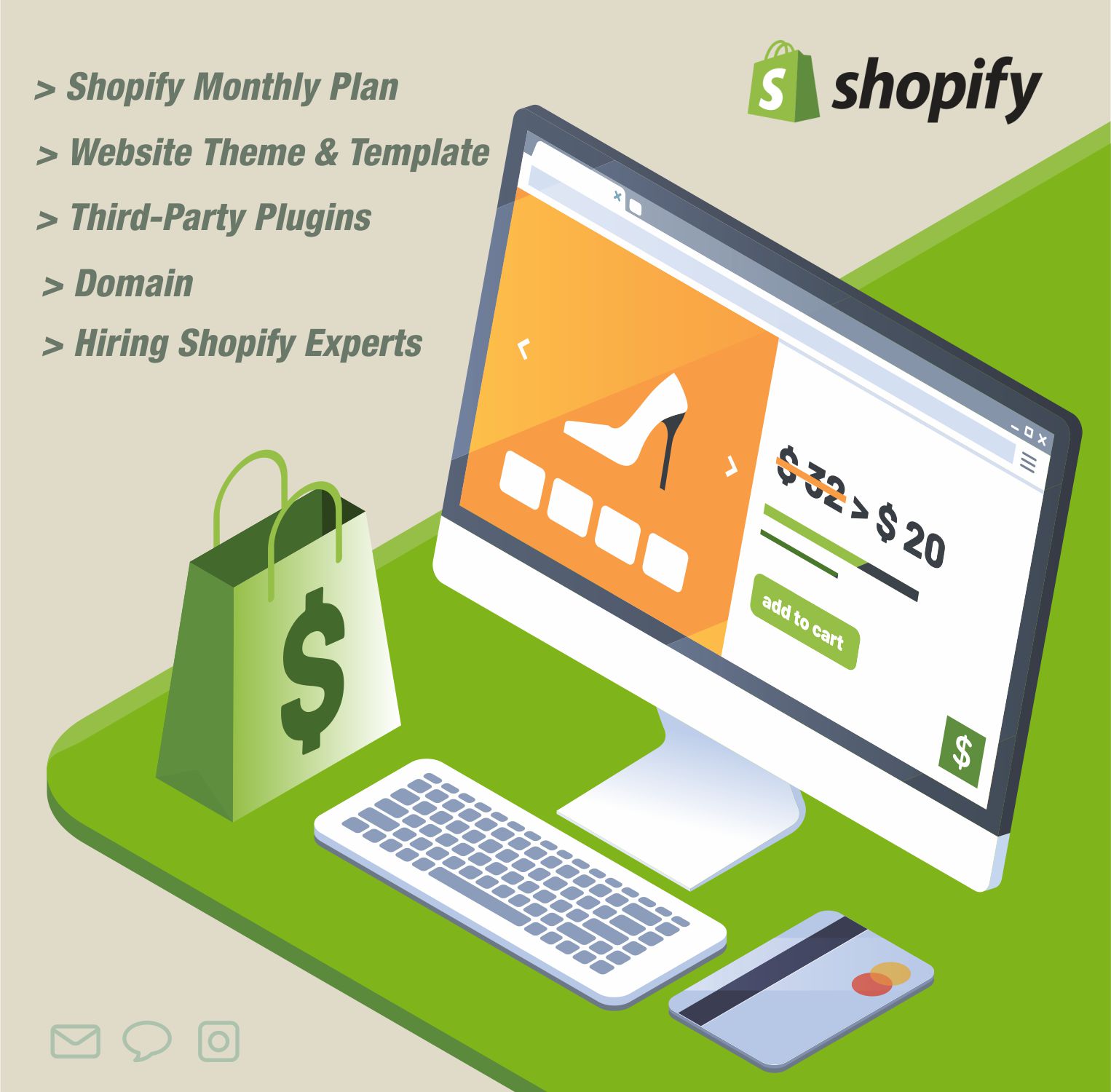
Shopify website development there are a lot of costs involved apart from buying Shopify subscription plans such as themes, plugins, domains, and hiring professionals. We will discuss how these factors impact the total development cost.

The competitive eCommerce world requires a secure and efficient checkout process for converting visitors into loyal customers, particularly for innovative platforms like a Shopify Store.

Exploring the web of eCommerce solutions, we came across a variety of Shopify stores that have utilized the platform in a way that they can be in the list of best sportswear websites. This blog explores the importance of utilizing Shopify stores to build powerful, user-friendly sportswear websites.
We would love to be a part of your journey to success. Let's team up today!