

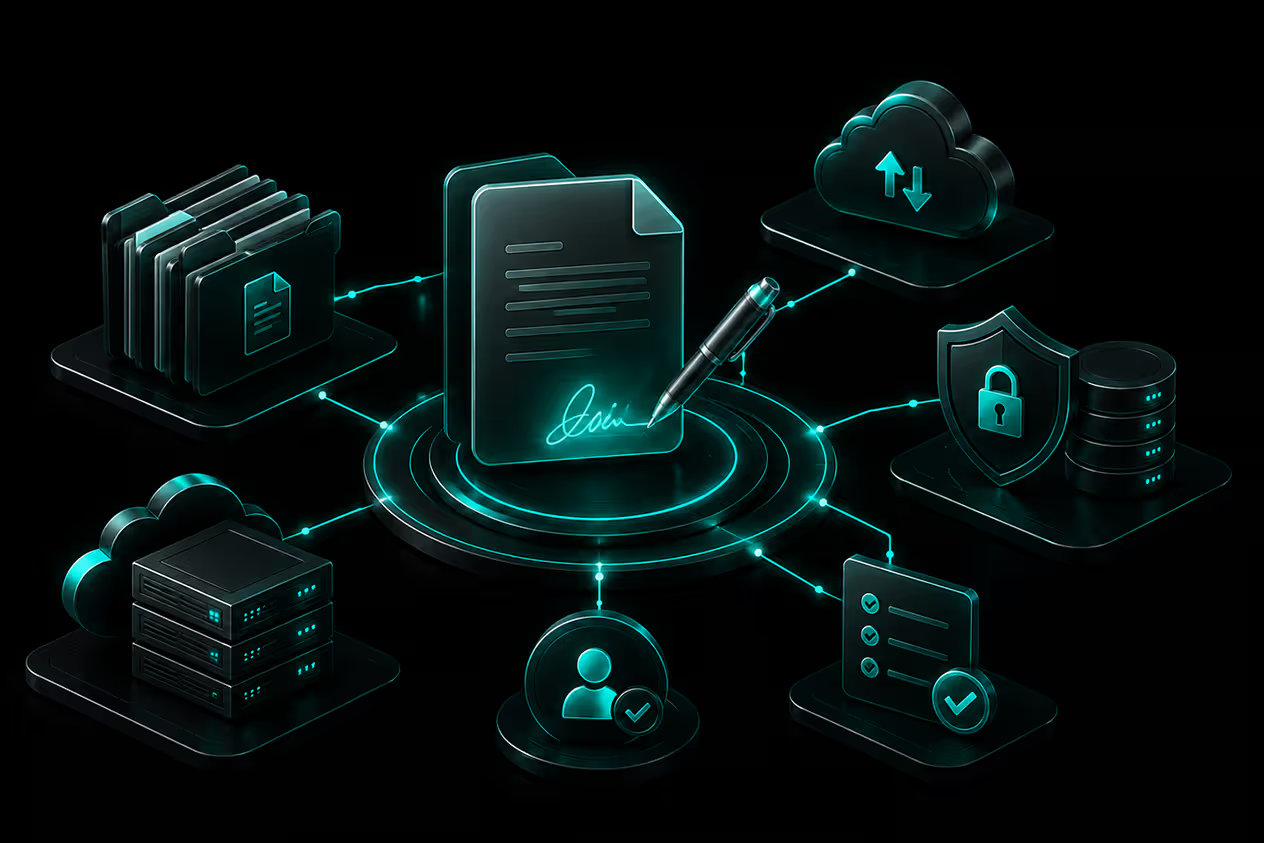
The Ultimate Enterprise Document Management and Electronic Signature Platform
Streamline your workflows with vConnect Document Management System and vConnect DigiSign. Deploy our robust platform to securely store files and collect electronic signatures with total data sovereignty. Choose our unified suite for maximum efficiency, or select the standalone modules tailored perfectly to your operational needs.
Built entirely in house with a secure and heavy-duty architecture designed to effortlessly handle high volume enterprise workloads.
FutureSoft is renowned for delivering uncompromising quality and is deeply valued by long standing clients, including some of the world's leading global businesses. With our Document Management and Electronic Signature Platform Suite for sales and support processes, we are ideally positioned to empower organizations with high quality service and cost effective CRM strategies.
Client Satisfaction
Uptime Excellence
Instant Sync


Maintain ultimate data sovereignty by hosting our software directly on your own network. Whether you utilize local internal servers or your customized cloud architecture, our platform operates entirely under your control to meet your strictest data privacy requirements.

Every enterprise operates differently. We adapt our document management systems and electronic signature workflows to match your specific operational requirements, reducing bottlenecks and enhancing efficiency.

Forget fragile gimmicks and basic solutions. Our architecture is built for heavy duty enterprise scalability, processing thousands to millions of documents reliably without compromising speed.
Discover the powerful capabilities that make our document management and digital signing solutions effortless, secure, and highly scalable for your enterprise. Whether utilized independently or as a unified suite, these tools are built to optimize your entire operational workflow.
Digitize the execution of business contracts, service agreements, vendor documents, and commercial proposals. Use vConnect DigiSign to collect electronic signatures from multiple stakeholders, configure signature positions, and track document completion without relying on physical paperwork.
Manage employee onboarding forms, appointment letters, policy acknowledgements, and other HR documents through structured digital signing workflows. Route documents to the appropriate employees and HR representatives, assign access permissions, and maintain a traceable record of approvals and completed signatures.
Simplify document execution across external business relationships. Enable vendors, suppliers, distributors, and business partners to receive documents, review them, and complete electronic signing workflows. Centralise signed agreements and maintain visibility into pending and completed submissions.
Build structured approval processes for purchase requests, financial documents, internal policies, corporate tenders, and other business-critical paperwork. Configure recipient roles, approval sequences, automated notifications, and SLA-based escalations to keep documents moving between departments and decision-makers.
Process large volumes of standardised business documents, including invoices, contracts, tenders, and employee records, through automated bulk-signing capabilities. Reduce repetitive manual work while enabling real-time notifications and electronic delivery of completed documents to the relevant recipients.
Establish controlled access to confidential business documents through role-based permissions, document version histories, and comprehensive audit trails. Track document activities, user access, approvals, and changes to maintain accountability and support internal governance and compliance reviews.
Connect digital signing and document management capabilities with existing enterprise applications and business systems. Integrate document workflows into ERP, CRM, HR, and other operational environments through appropriate application interfaces, reducing disconnected processes and improving document accessibility across departments.
Take a definitive step toward improving your operations, securing critical data, and boosting organizational efficiency. Whether you need powerful document storage, seamless digital signing, or the ultimate combined solution, our architecture scales with you.
Gain absolute control over your digital assets today and focus on what truly matters.
Find quick answers to the most common questions about our services, process, and solutions.

Absolutely. We designed vConnect to be highly modular. You can implement standalone digital signing, standalone document management, or the complete unified suite based on your immediate needs.
You maintain absolute control over your data. We can deploy the software directly on your local servers or on your preferred cloud infrastructure under your complete supervision.
Yes, our platform fully supports Class 2 and Class 3 digital certificates, complete with validity expiration reminders and robust PKCS 12 algorithm security.
You upload your files, select the signature type, configure the position, and add multiple email recipients along with their roles. The system then automatically routes the files, collects signatures, and delivers the finalized copies to all parties.
Stay Connected to Global Success