
You have hundreds of products, and almost all of them have 2-3 options that customers can choose from. However, you are struggling to manage those products, variants, and price combinations without breaking your catalog structure.
If this is the case, then you are currently facing issues related to Magento product variant management. We have worked with multiple Magento and Adobe Commerce stores where variant mismanagement caused revenue leakage and operational chaos.
We know how to manage and create product variants in Magento. Also, how to do it efficiently without utilizing many resources. So, stay tuned to learn about the process and many other details.
Uncover how Magento product variants create a seamless shopping experience by organizing multiple choices within a single product page.
Magento inventory management plays a crucial role in handling multiple products, and their stock levels are updated in real-time across categories. According to studies, around 30% of eCommerce operational errors come from incorrect variant setup and stock mapping.
In Adobe Commerce and Magento 2, poorly configured product variants often lead to overselling, confusing product pages, and duplicate SKUs. If you are facing issues related to Magento product variants management, we can help you.
We have resolved this issue for many of our clients and made their Magento inventory and SKU management smooth, even for B2B brands where complexity was high.
This blog will help you learn the process and what critical things you need to keep in mind to build and manage a scalable catalog without operational confusion.
Learn how to prepare eCommerce marketing strategies for your business.
Magento product variants are different versions of the same product that vary by attributes like size, color, material, configuration, or format. Instead of creating separate listings for each option, you can create one parent product and link associated variations beneath it.
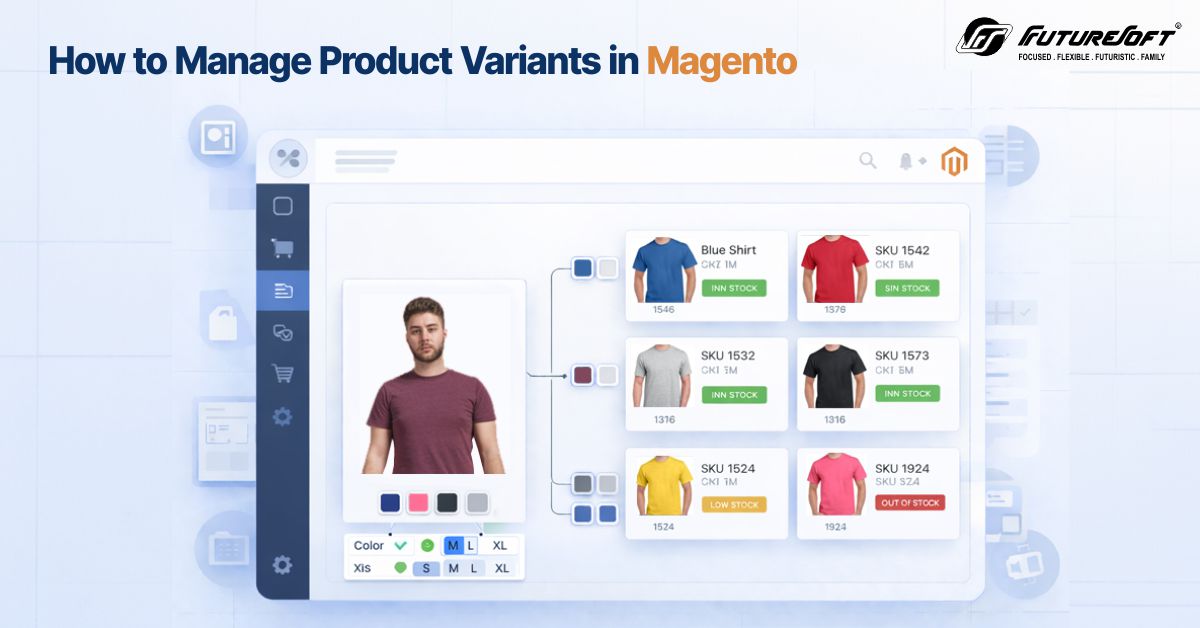
For example, consider a t-shirt available in 5 different sizes and 4 colors. Instead of creating twenty product listings, you can build one Magento configurable product and attach simple products as variations. In this way, you can manage Magento product variants efficiently, improving user experience.
These are important because they can:
In case you sell a customizable product like custom jewelry, apparel, or electronics with different configurations, proper variant structuring allows pricing, SKU, and stock to remain distinct.
Know how to turn eCommerce analytics into business growth.
From an operational standpoint, Adobe Commerce product management offers advanced controls for enterprise-level catalogs. This becomes essential when you have to manage thousands of SKUs across regions.
Creating Magento product variants helps, as it:
When you implement variants accurately, it reduces manual effort and improves backend clarity.
Variants are not one a kind; there are many types of product variants, and you need to identify which one your website has. Here are the main product types and when to use them.
These are the most basic product types in Magento. They are useful for standalone physical products with a single SKU without selectable variations.
These are ideal for use with items like:
Simple products often act as child products under Magento-configured products.
Understand how to build a scalable eCommerce ecosystem.
These allow customers to choose from multiple options. A configurable product links multiple simple products based on attributes like size or color. Also, they allow detailed stock management and pricing for every variant.
These are ideal for:
With Magento's configurable product structure, you can maintain a clean frontend display with backend stock accuracy.
They consist of multiple related products on one page. Customers can select and pick every item individually or as a group. Grouped products are like a set of complementary items that work together.
These are ideal for:
This structure supports Magento product management, where items are independent but marked together.
Find out the proven strategies for Magento eCommerce SEO.
Bundle products let customers build their own customizable product combination according to predefined options. Every product in the bundle is a simple product that customers can choose as per their requirements. It can have fixed or dynamic pricing.
These are ideal for:
For stores selling a customizable product that requires selection from multiple compartments, bundle products offer flexibility.
These products are intangible and do not exist physically. They are mostly a service or a sort of sponsorship.
Virtual products are ideal for:
They integrate smoothly into Magento inventory management since stock tracking can be disabled from the backend.
These are digital goods that customers can download and use after buying, but can’t touch them.
Downloadable products are ideal for:
Adobe Commerce product management offers additional permissions and controls for digital distribution.
Discover the traffic generation strategies for Shopify.
Here is the exact workflow that you can follow to set up product variants in Magento 2 and Adobe Commerce.
Go to Stores → Attributes → Product.
Create global attributes such as size, color, material, storage capacity, or format. Set the scope properly. Decide if the attribute is global or website-specific. This impacts Magento's inventory management later.
Group relevant attributes into an attribute set. For example: Apparel attribute sets may include size, color, and fabric. The electronics attributes set may include RAM, storage, and a processor. Therefore, proper attribute sets simplify Magento product management and reduce backend errors.
Navigate to Catalog → Products → Add Product → Configurable Product.
Select the attribute set and add the product name, SKU, base price, and description. This becomes your parent product under which Magento product variants will be linked.
Magento 2 lets you generate variations automatically according to the product. Select attributes like size and color. Magento will create simple child products with unique SKUs.
Adjust pricing, weight, and stock individually for accurate product variant management.
Use Multi-Source Inventory in Magento 2 for advanced Magento inventory management. Assign quantities per source. Configure backorders if needed. Track low stock alerts. Incorrect stock mapping is the most common issue that arises when managing Magento product variants. Study the difference between Advanced Shopify and Shopify Plus.
Configure canonical URLs. Add variant-level metadata if needed. Avoid duplicate content issues.
This improves page visibility and strengthens Adobe Commerce product management for enterprise brands.
Always create a sandbox and test the changes before going live. Verify the following:
Effective product variant management requires testing both frontend and backend workflows.
If you operate at scale, Adobe Commerce product management offers:
These capabilities improve Magento inventory management and reduce operational risk for large catalogs.
Learn why it’s a must for a retail business to have an eCommerce website.
Correct Magento product management prevents catalog chaos and improves reporting clarity.
Managing complex catalogs does not have to be overwhelming. When you structure Magento product variants correctly, your store becomes easier to manage, your stock becomes accurate, and your customers experience smoother purchasing journeys.
If you are facing similar challenges with Magento inventory management or large-scale product variant management, then you need to apply a structured approach, as explained here.
When executed properly, Magento product management gives you the perfect operational clarity, scalability, and long-term eCommerce stability.
Magento product variants allow you to sell multiple options like size, color, or configuration under a single parent listing. This improves catalog clarity and enhances customer experience.
They also support accurate Magento inventory management by tracking stock at the variant level. With proper product variant management, you reduce duplicate listings, improve reporting accuracy, and strengthen Magento product management across large catalogs.
A simple product is a standalone item with no selectable options. A Magento configurable product acts as a parent that links multiple simple products based on attributes like size or color. Magento product variants are usually built using configurable products.
This structure improves Magento inventory management and simplifies product variant management, especially when selling a customizable product with multiple selectable options.
In Magento inventory management, stock is assigned at the simple product level, not the parent configurable product. Each variant has its own SKU and quantity. Using Multi-Source Inventory, you can allocate stock per warehouse or location.
Proper product variant management prevents overselling and improves Magento product management accuracy across Magento product variants. Adobe Commerce Product Management offers advanced controls for enterprise-level inventory allocation.
B2B businesses often handle bulk pricing, shared catalogs, and region-specific stock. Structured attribute sets and clear SKU logic are critical for Magento product variants. Using Adobe Commerce Product management, B2B stores can manage custom pricing, segmented catalogs, and advanced rules.
Strong Magento inventory management combined with disciplined product variant management reduces operational complexity and improves Magento product management efficiency.
It usually occurs when Magento inventory management is misconfigured at the simple product level. Common issues include unassigned sources, disabled stock status, or incorrect attribute mapping in Magento product variants.
Weak product variant management can also cause parent products to display outdated quantities. Reviewing SKU mapping and using Adobe Commerce Product management tools can help restore accurate Magento product management and stock visibility.

Have you ever thought that your current eCommerce platform slows innovation, hurts customer experience, or limits your digital presence and omnichannel growth? Many businesses face these exact pain points with traditional monolithic platforms that bind the frontend presentation layer to backend commerce logic.

When it comes to eCommerce platforms, two platforms stand out from the crowd: Magento and Shopify, especially when it comes to B2B commerce. It breaks down pricing models, customization capabilities, core features, scalability, security, and real-world applicability for businesses planning to launch or migrate to B2B eCommerce.

Digital growth in the present time is more crucial than ever. Magento or Adobe Commerce is one of the most popular eCommerce platforms that offer a wide array of features and options for owners to scale. However, even though there are a lot of features and applications, many stores still struggle to drive consistent traffic.
We would love to be a part of your journey to success. Let's team up today!